
Model Context Protocol (MCP) for sales prospecting
Connect Claude or ChatGPT to verified buyer data with MCP, then run five copy-ready prompts to build lists, research accounts, and write outreach.

Connect Claude or ChatGPT to verified buyer data, and prospecting starts with real account context. Model Context Protocol (MCP) makes that connection possible. This guide shows government and education reps how to turn it into lists, outreach, and better calls.
TL;DR: MCP for sales prospecting
Model Context Protocol (MCP) for sales prospecting connects AI assistants to buyer databases, CRM records, and sales tools. Reps can build lists, research accounts, find decision-makers, draft outreach, and prepare calls in one conversation.
What does MCP for sales prospecting mean?
MCP stands for Model Context Protocol, an open standard that lets AI assistants call external tools and data sources.
Search results still mix in an older sales meaning, Multi-Channel Prospecting, so confirm which one a vendor means before you buy.
For the bigger picture on why MCP matters in this market, see what the Model Context Protocol means for government and education sales teams.
For a rep, MCP ends the tab-hopping. One natural-language session can query connected data, check the CRM, and draft an email without switching windows.
Most major assistants now support MCP. In the Claude family, Claude Desktop and Cowork support remote MCP servers, and so does Claude Code. Cursor supports MCP too, and ChatGPT adds MCP support through developer mode on supported plans.
Which one fits depends on who’s using it. Reps doing account research usually start in Claude Desktop, or in ChatGPT if the team has already standardized on it. Cowork handles longer multi-step tasks, like assembling a territory file. Claude Code and Cursor suit ops teams that build repeatable workflows for every rep.
Sales MCP servers fall into three groups: contact databases, CRMs, and engagement tools. Here is what each common server connects to and the prospecting job it handles best.
| Server | Data source | Best prospecting job |
|---|---|---|
| ZoomInfo | Commercial B2B contact and company database | Searching and enriching contacts across a broad B2B database |
| Apollo | Commercial B2B contact database with built-in sequencing | Pairing contact search with sequence enrollment |
| Clay | Waterfall enrichment across third-party data providers | Enriching a short list of high-value accounts |
| Salesforce (Enterprise Edition and above) | Your CRM records and activity history | Checking account ownership and past touches before outreach |
| HubSpot | Your CRM records and activity history | Logging findings and updating contact records |
| Outreach (requires Amplify add-on) | Your sequences, emails, and call activity | Pulling engagement history before a call |
Judge every MCP by the data behind it
Every server in that table queries a different dataset, and the assistant is only as good as the one it’s connected to. A database that misses your buyers returns confident, wrong answers just as fast as right ones.
Coverage is where horizontal tools trip up in local government, K–12, and higher education. Contact databases that partly draw from LinkedIn and commercial sources struggle to reach school district, city, and university staff, many of whom rarely update a LinkedIn profile.
Every MCP setup for sales prospecting should pass a coverage-first test before reps trust it. Pick five of your own accounts and ask for the CIO or superintendent at each. Check every answer against the official staff directory, then score each server on data source, segment coverage, and freshness.
Reaching these buyers takes data sourced where they actually publish it. That’s the approach behind Contacts & Company Data from Starbridge, the AI GTM platform for government and education sellers.
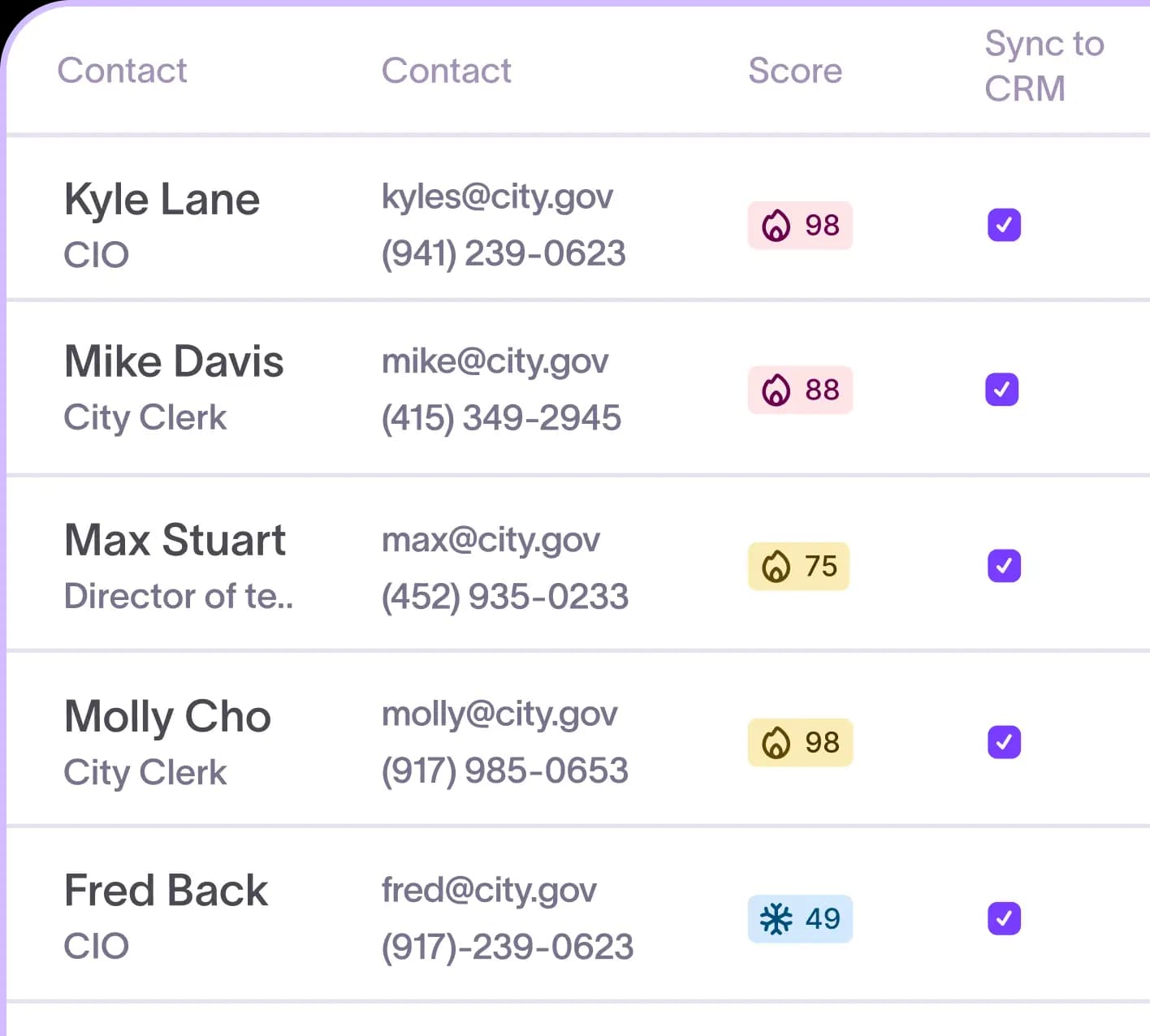
Starbridge’s proprietary web-agent technology pulls contacts from official staff directories, district portals, and board minutes across 320k+ entities. In a 14,000-email test, the process reached 98% email accuracy, and waterfall enrichment with continuous bounce-checking holds the bounce rate at 2%.
Set up your first prospecting session
Connecting an approved remote server in Claude Desktop usually takes three steps and no code, once any required admin setup is complete. Follow them in sequence:
- Open Claude’s connector settings and add the server from the directory, or paste the URL your vendor provides.
- Sign in with your work account when prompted and approve the requested permissions.
- Run a test query, such as “Find the superintendent of [district name],” and confirm the answer cites the connected source.
For Salesforce or HubSpot, first complete the vendor’s required admin and connector setup, then connect it to your assistant. Confirm that the connection exposes the write tools you need and grant the required permissions so findings can reach CRM records.
Cost works differently on every MCP server. On servers like ZoomInfo and Clay, search is generally free while enrichment spends credits, so check your provider’s pricing. Paste this line into your session so the assistant asks you first:
Before you enrich any contact or run paid research, estimate the credit cost, flag any uncertainty, and wait for my approval.
Set your context once with a short project instruction. A Claude project saves the instruction, and every chat within that project inherits your ICP, territory, and product. Here is a starting version:
I sell [product] to [segment] in [territory]. Our best customers are [ICP description]. Prioritize accounts with recent buying signals, and flag any contact you can’t verify against an official source.
Run the five prospecting prompts in order
Each prompt feeds the next. The account list shapes the research, the research shapes who you contact, and both shape the outreach and the call. Every prompt below is copy-ready: paste it and swap in your details.
Build the list from your ICP and buying signals
Start with a plain-English ICP. The assistant turns it into a filtered account list.
Build a list of K–12 districts in X with Y students where the board discussed chronic absenteeism this year. Include enrollment, superintendent name, and meeting date.
Enrollment and budget are useful context, but they say little about readiness to buy. Buying signals, such as a new grant or a contract about to expire, do. The next prompt ranks the list by those signals, using a simple rules-based score.
Rank these districts by readiness to buy. Weight contract expirations within 12 months, new grant awards, and leadership changes first. Use enrollment as a tiebreaker.
Government and education buyers watch what their peers buy. Use this lookalike prompt after every nearby win:
Find X districts similar to [recent win] within Y miles. Match on current vendor, budget trend, and enrollment.
These prompts only work if the assistant can see the signals. Much of the evidence sits in recorded board meetings spread across thousands of local sites, and a general-purpose assistant has no index of those recordings unless a data source has already captured and transcribed them.
Starbridge’s Buying Signal Monitor does that work. It tracks 100+ buying signals across board minutes, budgets, and grants, surfacing intent 6 to 18 months before a formal solicitation.

That shift helped InquirED drive $200K in new pipeline in its first quarter after swapping manual board-document research for signal-driven account scoring.
Research the account before you reach out
Next, research one account in depth. This prompt pulls spend, the incumbent, and recent board activity in one pass:
Research [district name]. Tell me the current spend in [category], the incumbent vendor, and when that contract expires. Summarize any board discussion of [topic] in the last six months, with dates and sources.
Done by hand, account research means digging through district websites, board meeting PDFs, and procurement portals. It can take up to two hours per account and doesn’t scale across a territory.
Contract timing rewards the vendor who shows up early. Buyers rarely know every option, so they lean on vendors already talking to them, and those vendors shape the renewal evaluation. Treat contract expirations as a 12- to 18-month relationship play that starts while the incumbent is still in place.
Starbridge gives reps that head start with Public Spend Intelligence.
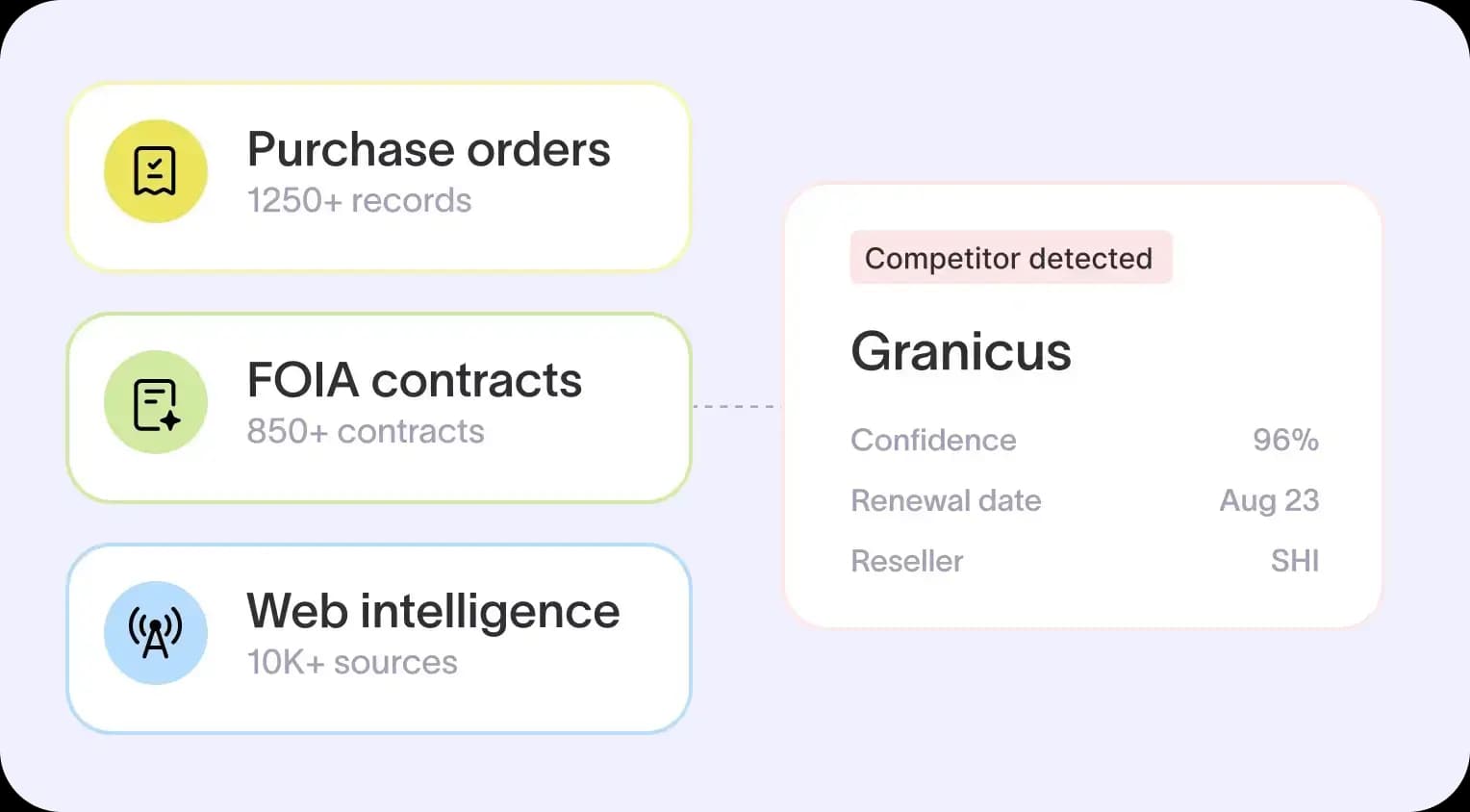
Reps see full competitor contracts with pricing, opt-out clauses, and expiration dates. Starbridge MCP brings that intelligence into Claude and ChatGPT, so the prompt above returns real contract terms.
Zencity’s enterprise reps use the same workflow to pull city priorities from recent council meetings in seconds, and the team now sources 50% of its cold meetings from Starbridge.
Find the people on the buying committee
With the account researched, find the decision-makers. Ask for the three roles that matter in most deals:
For [district name], map the buying committee for [product]. Identify the end user, the economic buyer, and the IT lead, with titles and what each one cares about.
IT often holds decision-making authority in these accounts, so give the IT lead full attention. Then enrich the list with this prompt:
Add verified emails, direct dials, and current titles for each person. Mark any contact you couldn’t confirm on an official staff page.
Contact lists go stale between campaigns. Run this refresh prompt before every new sequence:
Check these X contacts for role changes in the last 90 days. Flag anyone who left and name the replacement if one is listed.
Job changes call for two separate plays. A new director, VP, or department head often reviews vendors and priorities within the first 90 days, so reach out early with something useful for the new role. A departing champion opens a new account to pursue and leaves a relationship gap to fill. Either way, the change belongs in the CRM, because outdated contact records create dead ends.
The enrichment and refresh prompts are only as reliable as the contact source behind them. Starbridge Contacts & Company Data checks records against official sources, and TAM to Target reports Starbridge contact data is 3 to 4x more valid than other vendors it has used. The team no longer verifies data by hand before running campaigns.
Write outreach grounded in account context
Now write the email. This prompt keeps it short and anchored to one verified buying signal.
Write a cold email under 100 words to [name, title] at [district]. Open with [buying signal], cite [peer customer] as a reference, and end with one simple ask for a 20-minute call.
Before. Account context changes what the email can say. The first email comes from a bare model:
Subject: Digital transformation for your district
Hi Dana, districts everywhere are embracing digital transformation. Our platform helps schools improve outcomes and streamline operations. Open to a quick call to explore synergies?
After. The second email comes from the same model with verified buyer data connected:
Subject: Your board’s attendance discussion
Hi Dana, at the March 12 board meeting, your team named chronic absenteeism a top priority for next year. We work with [nearby district] on the same problem. Worth 20 minutes next week to compare notes?
Generic AI output underperforms in a finite market. Reps email the same few thousand accounts again and again, so weak personalization burns accounts the team cannot replace.
Begin with a small batch of manually reviewed emails before scaling. Pair each email with a call built on that hook.
Starbridge can take this step further. Its Buying Signal Monitor pairs each signal with a verified contact and AI-generated outreach copy, so the hook arrives ready to review and send.
Prep the call in five minutes
Finish with a pre-call brief that merges MCP-sourced account data with your own history on the account:
Build a one-page brief for my call with [name] at [district] on [date]. Combine the account’s spend history and contract timing with our CRM history and past call notes. End with a suggested talk track.
A useful brief covers four items, in this order:
- Account priorities from recent board meetings and strategic plans
- Incumbent vendor and contract expiration timing
- The buying committee, with each person’s likely concern
- A suggested talk track tied to one buying signal
Without that context, a discovery call turns into an introduction. The research prompt already pulled spend history and contract timing, so the brief comes together in minutes and reps walk in knowing the incumbent and the renewal window.
Frontline Education cut research time by 90% with Starbridge. Its reps now open meetings already knowing what the buyer cares about, so the conversation goes straight to the problem.
Roll out MCP across a government and education sales team
Rolling out MCP for sales prospecting comes down to a choice between control and speed. A centralized setup lets ops own permissions and a shared prompt library. Rep-led setups move faster, but quality drifts as each rep writes their own prompts.
Whichever you choose, keep the CRM as the system of record. Every MCP finding worth keeping should write back to Salesforce or HubSpot, or the next rep starts from zero.
Findings scattered across chats, spreadsheets, and Slack never become pipeline.
Starbridge’s native Salesforce and HubSpot integrations sync, clean, and enrich CRM records in both directions.
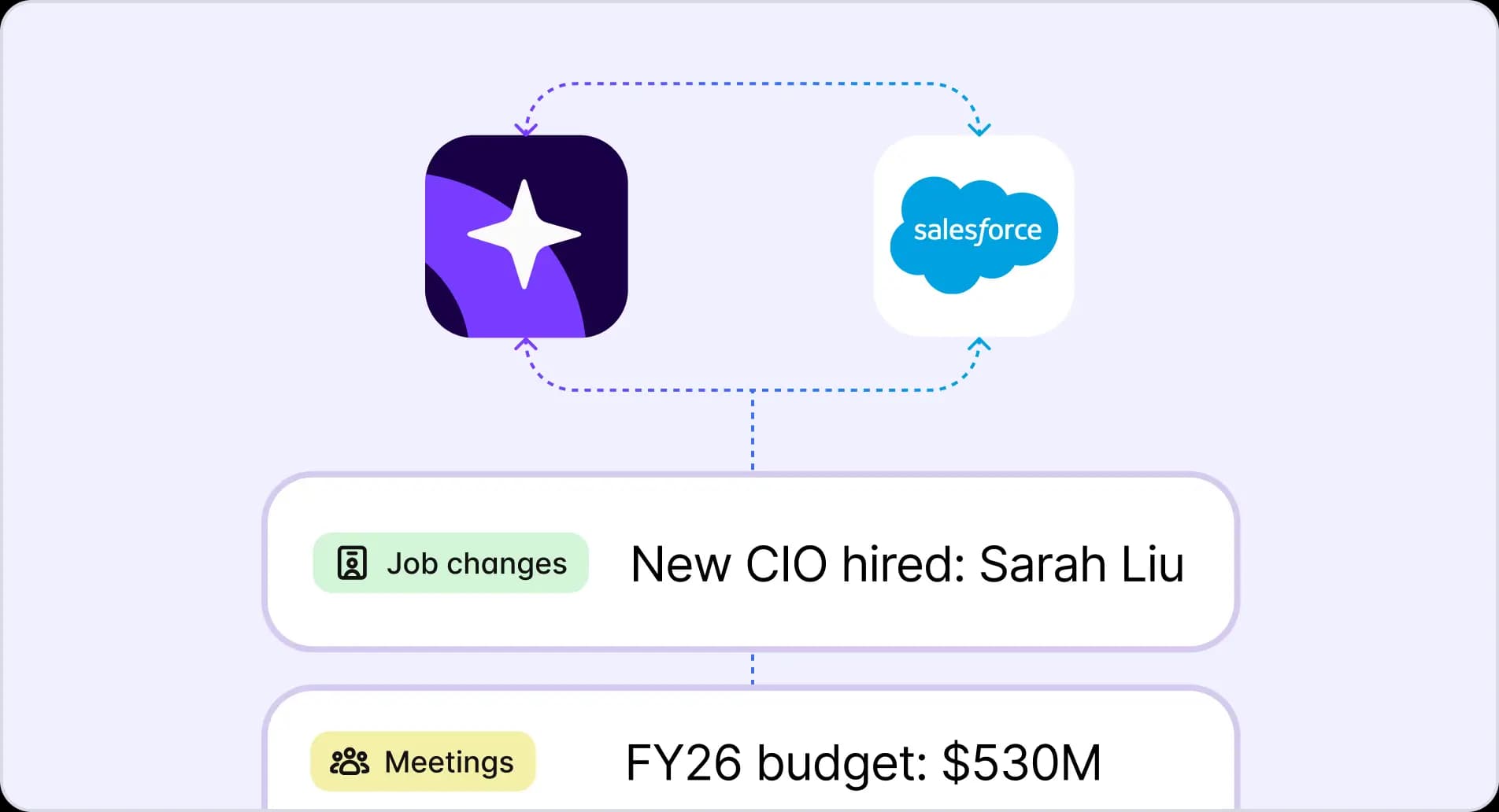
Starbridge also pushes contacts and buying signals to Apollo and Outreach, so reps act inside the tools they already use.
Guard against three pitfalls from day one:
- Gaps in compliance with email and data privacy rules
- Deliverability damage from unverified contacts
- Generic AI copy sent at volume
For GTM leaders, the payoff is measurable. Reps spend less time researching each account, and that time goes into booking meetings and closing deals with no added headcount. Abnormal AI saved 10+ hours per rep per week on research after rolling out Starbridge.
Give your AI assistant something worth knowing
MCP turns Claude or ChatGPT into a prospecting partner only when the data behind the connection covers your buyers. Run the five-account coverage test this week, then build the five-prompt workflow on whichever source passes.
If horizontal databases fall short on district, city, and university contacts, that’s the gap Starbridge closes. Starbridge is the AI GTM platform built on the most comprehensive dataset of government and education buyers and buying signals. Teams selling to local government, K–12, and higher education use it to identify, prioritize, and engage high-intent opportunities before the competition, and Starbridge MCP brings that intelligence into the assistant reps already use.
Book a demo to see how verified data and buying signals inside Claude or ChatGPT help your reps win more deals.
Frequently asked questions
In sales, MCP usually means Model Context Protocol, the open standard that connects AI assistants to external tools and data. An older usage, Multi-Channel Prospecting, still shows up in some search results. Check the context before you buy anything labeled MCP.
Claude Desktop, Claude Code, and Cowork all support MCP, and so does Cursor. ChatGPT supports MCP through developer mode on supported plans. Reps usually start in Claude Desktop or ChatGPT for research, while ops teams build repeatable workflows in Claude Code or Cursor.
Coverage varies widely by server. Databases that partly draw from LinkedIn and commercial sources struggle with district, city, and university staff who rarely keep profiles current. Run the five-account coverage test against published staff directories to see which server reaches your buyers.
Yes, when the connection exposes the necessary write tools, has the required permissions, and your admin allows it. Grant read and write permissions during setup so findings update the right records. Starbridge’s bi-directional Salesforce and HubSpot integrations also sync, clean, and enrich records outside the chat.
Explore our use case library
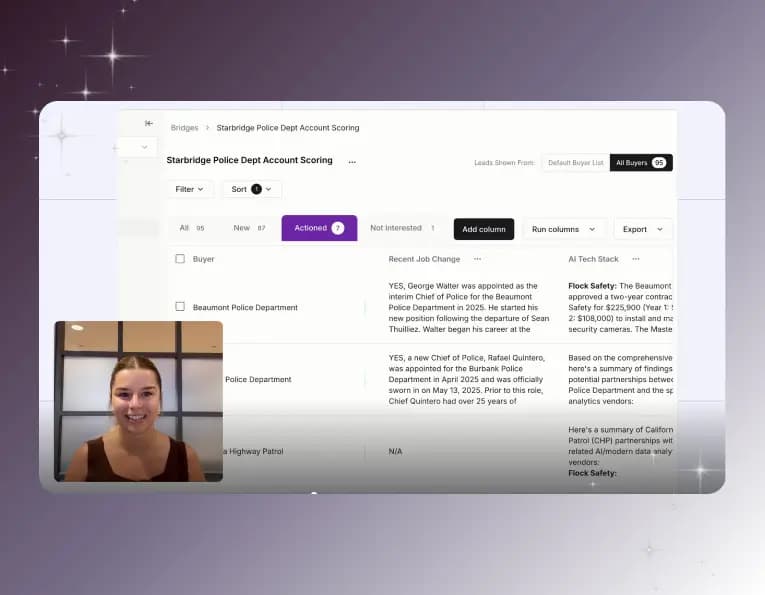 Automate account research with AI agentsStop manually researching accounts. Starbridge AI agents automate account research by monitoring buying signals 24/7 and surfacing the right contacts.
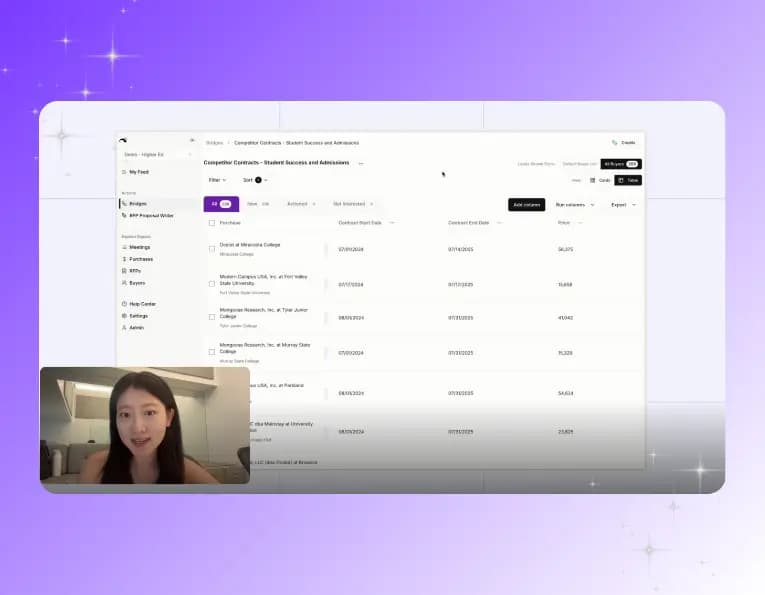 Identify competitor contract expiration datesThe RFP is usually a formality. Starbridge surfaces competitor contract expiration dates so your reps reach accounts before the renewal cycle closes.
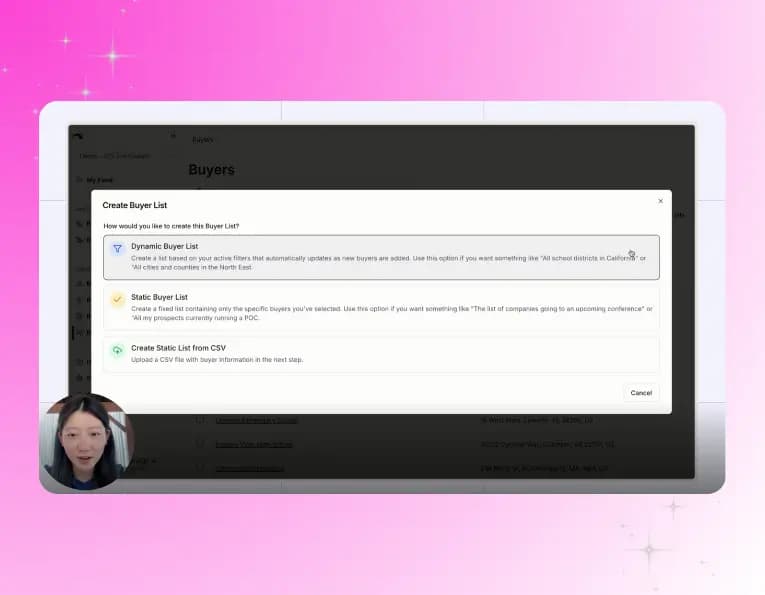 Create a conference campaignTurn conference badge scans into pipeline. Import your contact list, surface buying signals across every account you met, and follow up with context.